Installation
npm install lucide-reactSource Code
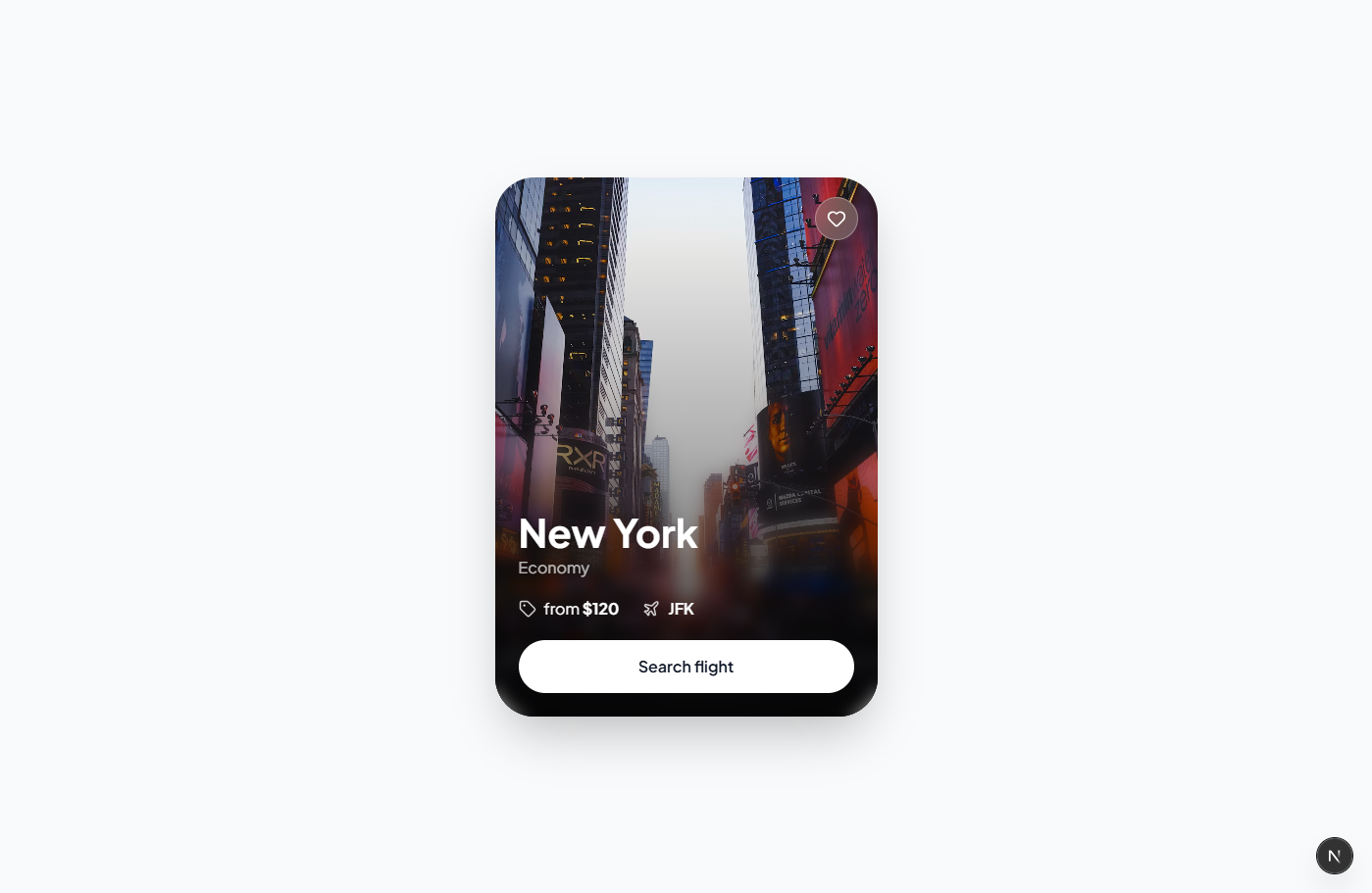
flight-card-sf.tsx
1"use client";
2
3import { Heart, Tag, Plane } from "lucide-react";
4import { useState } from "react";
5
6export const FlightCardSF = () => {
7  const [isLiked, setIsLiked] = useState(false);
8
9  return (
10    <div className="min-h-screen flex items-center justify-center p-8 bg-gray-50">
11      <div className="w-[390px] bg-white rounded-[2.5rem] shadow-2xl p-4">
12        {/* Image Container */}
13        <div className="relative w-full aspect-square rounded-[2rem] overflow-hidden mb-4">
14          <img
15            src="https://images.unsplash.com/photo-1501594907352-04cda38ebc29?q=80&w=2832&auto=format&fit=crop"
16            alt="San Francisco Golden Gate Bridge"
17            className="w-full h-full object-cover"
18          />
19        </div>
20
21        {/* Title and Subtitle */}
22        <div className="mb-3">
23          <h2 className="text-[2rem] font-bold text-gray-900 mb-0.5 leading-none">San Francisco</h2>
24          <p className="text-gray-400 text-[15px]">Premium economy</p>
25        </div>
26
27        {/* Price and Airport Info */}
28        <div className="flex items-center gap-5 mb-4">
29          <div className="flex items-center gap-2 text-gray-700">
30            <Tag className="w-[17px] h-[17px] text-gray-400" />
31            <span className="text-[15px] font-normal">from <span className="font-bold text-gray-900">$240</span></span>
32          </div>
33          <div className="flex items-center gap-2 text-gray-700">
34            <Plane className="w-[17px] h-[17px] text-gray-400" />
35            <span className="text-[15px] font-semibold text-gray-900">SFO</span>
36          </div>
37        </div>
38
39        {/* CTA Button and Heart */}
40        <div className="flex items-center gap-3">
41          <button className="flex-1 bg-[#1a1a1a] hover:bg-gray-800 text-white font-medium text-[15px] py-[15px] px-8 rounded-full transition-all">
42            Search flight
43          </button>
44          <button
45            onClick={() => setIsLiked(!isLiked)}
46            className="w-[54px] h-[54px] flex items-center justify-center rounded-full bg-white border border-gray-200 hover:border-red-200 transition-all"
47          >
48            <Heart
49              className={`w-5 h-5 transition-colors ${
50                isLiked
51                  ? "text-red-500 fill-red-500"
52                  : "text-gray-300 hover:text-red-400"
53              }`}
54            />
55          </button>
56        </div>
57      </div>
58    </div>
59  );
60};
61